
If your church uses Planning Center, you already have a church app. Church Center puts giving, events, groups, and more in your members’ pockets, and it comes with your Planning Center account.
But for a smaller church with a part-time staff and a handful of volunteers, "we have an app" and "people actually use our app" are two very different things. A rushed launch leaves you with a half-empty app nobody opens. A thoughtful one gives your congregation a single, simple place to stay connected.
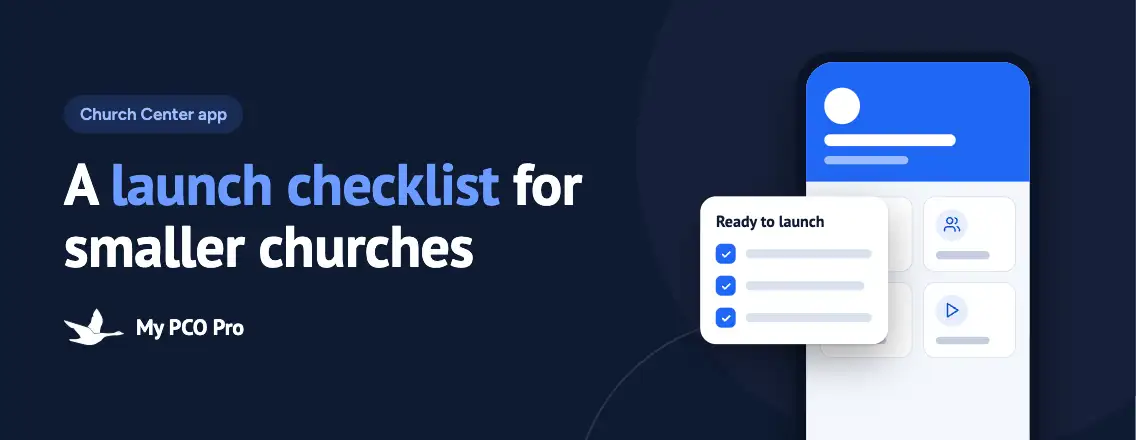
Here’s the checklist we walk smaller churches through before, during, and after launch.
1. Clean up your people data first
Church Center logs people in with their email address or mobile number and matches them to their profile in Planning Center People. If that information is missing, outdated, or duplicated, members end up with a blank account, or worse, someone else’s.
Before launch:
- Make sure every active adult has a current email address or mobile number
- Merge duplicate profiles so each person has exactly one
- Check that households are connected correctly, so parents see their kids
- Review who is listed in your directory, if you plan to turn it on
An hour of cleanup here prevents a week of "it says I don’t have an account" emails.
2. Make it look like your church
When members open the app, it should feel like home, not like generic software. Small touches go a long way:
- Upload a clean, high-resolution logo
- Set your brand color so buttons and headers match your website and bulletin
- Add your church’s address, service times, and contact information
- Use real photos of your people and building, not stock images
You don’t need a designer for this. You just need someone who cares about the details and an afternoon to get them right.
3. Keep the home screen short
The home screen is your app’s front door. When it’s crowded, people scroll past everything. When it’s focused, they act.
Pick the three or four things your members do most often and put them up front. For most smaller churches, that’s something like:
- Give
- This week’s events
- Join a group
- Watch or listen to Sunday’s sermon
Everything else can live one tap deeper. You can always add more later, but it’s hard to take clutter away once people are used to it.
4. Turn on only what you’ll keep up
Church Center can surface giving, registrations, groups, kids’ check-in, a member directory, and more. That doesn’t mean you should launch with all of it.
An empty events page or a groups list from last spring tells members the app isn’t worth checking. Instead, be honest about your capacity:
- Turn on the features someone on your team will update every week
- Wait on the features nobody owns yet
- Assign a name to each feature you launch, so everyone knows who keeps it current
A small app that’s always accurate beats a big one that’s half stale.
5. Test it like a member would
Staff accounts see Church Center differently than members do. Before launch, recruit three or four people from your congregation to try it on their own phones: ideally a young adult, a parent, and an older member who isn’t comfortable with apps.
Ask them to:
- Download the app and log in for the first time
- Make a test gift
- Register for an event
- Find and request to join a group
Watch where they hesitate, and fix it. Your least tech-savvy tester will tell you more than anyone else.
6. Launch it on a Sunday, in person
An email announcement is easy to ignore. A launch Sunday isn’t. Smaller churches have a real advantage here: you can help nearly everyone get set up in a single morning.
- Have your pastor mention the app from the stage and explain why it matters
- Put a QR code on the screen, in the bulletin, and on a table sign
- Staff a help table before and after the service with two or three patient volunteers
- Give people one clear first step, like "download the app and give your offering there today"
People who get logged in with a friendly face beside them are far more likely to keep using it.
7. Keep it fresh after launch
Launch day is the starting line, not the finish. The habit forms in the weeks that follow, and it only forms if there’s a reason to open the app.
- Post next week’s events every Monday
- Point people to the app in announcements instead of handing out paper forms
- Remove past events and outdated groups right away
- Check in at 30 and 90 days: who’s logged in, who’s giving through the app, and who still needs help
The churches that get the most out of Church Center aren’t the biggest. They’re the ones that treat the app as the main way they share what’s happening, every single week.
Small church, big impact
You don’t need a big staff to launch a church app well. You need clean data, a focused setup, and a plan for launch day and the weeks after.
If you’d like a hand, My PCO Pro helps smaller churches set up, brand, and launch Church Center, then trains your team to keep it running. Get in touch and let’s get your app into your people’s hands.