
Planning Center can’t fix messy data for you. Whatever you import on day one becomes the foundation your staff, volunteers, and members live with for years.
Most churches that struggle after a move to Planning Center didn’t pick the wrong software. They carried over a decade of duplicates, half-finished households, and fields nobody remembers creating. The good news: a few weeks of cleanup before you migrate saves months of frustration after.
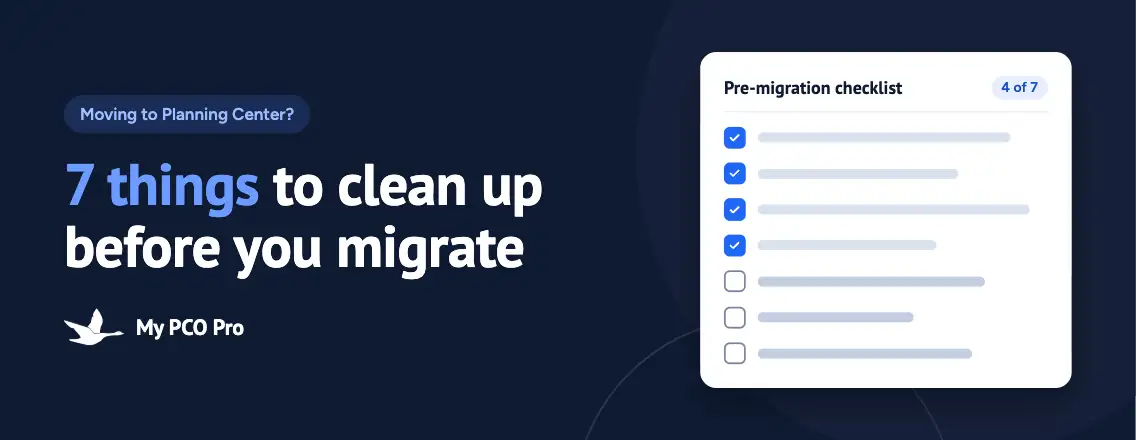
Here are the seven things we have every church tackle before moving a single record.
1. Merge your duplicate people
Every church database has them: "Bob Smith" and "Robert Smith," the same family entered twice by two different volunteers, or a visitor card that never got matched to an existing record. Duplicates split a person’s history in half. Giving statements come out wrong, attendance looks lower than it is, and someone gets two copies of every email.
Run a duplicate report in your current system and work through it before export. Look for matches on:
- Email address
- Mobile phone number
- Last name plus street address
- Common nicknames (Bill/William, Liz/Elizabeth, Jim/James)
When you merge, keep the record with the most complete history, especially giving. Planning Center does have merge tools, but merging 400 duplicates after import is far more painful than merging them in a system your team already knows.
2. Get households straight
Households drive more of Planning Center than most churches expect. They shape check-in (who can pick up which kids), mailing addresses, family giving, and how your directory reads.
Before you migrate, check for:
- Adult children who moved out years ago but are still attached to their parents’ household
- Divorced or separated families that need two households, with children connected to both
- Blended families where last names don’t match
- Widowed members whose household still lists a spouse who has passed away
- Households with no primary contact or the wrong one
This is sensitive work, so give it to someone who knows your people. A staff member who knows the congregation will catch in an afternoon what a spreadsheet never will.
3. Decide which custom fields earn a spot
Old church databases collect custom fields the way garages collect paint cans. Someone needed "T-shirt size" for a retreat in 2014, and it’s been on every record since.
Export a list of every custom field and ask three questions about each one:
- Has anyone updated this field in the last two years?
- Does a ministry actually make decisions with it?
- Does Planning Center already track this somewhere else, like Groups, Check-Ins, or Workflows?
If the answer to all three is no, leave it behind. You can keep an archived export for reference. For the fields that make the cut, decide on clean, consistent values now. A field that says "Yes," "Y," "yes," and "X" is four different answers to Planning Center.
4. Tidy your groups and ministry rosters
That small group that stopped meeting in 2019? The VBS team from three summers ago? If they’re in your export, they’ll show up in Planning Center looking current.
Sit down with each ministry leader and go through their list:
- Archive groups that no longer meet
- Remove people who have stepped away from a team
- Confirm who the actual leaders are today
- Note which groups should become Planning Center Groups, which belong in Services teams, and which are really just lists
That last point matters. Planning Center splits this work across apps, and deciding where each roster lives before migration keeps you from rebuilding it twice.
5. Map your giving funds
Giving history is the data your members care about most, and the data your treasurer will scrutinize hardest. Get it wrong and you’ll hear about it in January when year-end statements go out.
Build a simple two-column map: every fund in your old system on the left, the fund it becomes in Planning Center Giving on the right. Along the way:
- Combine funds that were really the same thing ("Building Fund" and "Capital Campaign 2021")
- Retire funds for campaigns that closed years ago, while keeping their history intact
- Match fund names to how your bookkeeper and chart of accounts label them
- Have your treasurer or finance lead sign off on the map before import
Then, after migration, compare a sample of giving totals by person and by fund against your old system. If they match, you can trust the rest.
6. Retire inactive records (kindly)
Every church has records for people who moved away, joined another congregation, or simply stopped coming. Bringing them all in as active clutters your directory, skews your numbers, and puts people on email lists they never asked to be on.
But "inactive" doesn’t mean "delete." Those records often carry giving history you need for statements and baptism or membership dates that matter to your church’s story. Instead:
- Mark them inactive with a clear reason (moved, transferred, deceased, no longer attending)
- Keep their history intact so it’s there if they return
- Pull them off active communication lists
Handle this with care. Behind every inactive record is a person your church once knew by name, and someday one of them may walk back through the doors.
7. Pick a cutover date and protect it
The riskiest stretch of any migration is the gap when both systems are live. Someone updates an address in the old database on Tuesday, the export ran Monday, and now the change is lost.
Choose a firm cutover date and plan around it:
- Avoid Easter, Christmas, VBS, and the weeks right before year-end giving statements
- Freeze edits in the old system once the final export runs
- Tell staff and key volunteers exactly when to stop using the old system and start using Planning Center
- Schedule training before the cutover, not after
- Keep read-only access to the old system for a few months, just in case
Once you set the date, guard it. Pushing it back "just one more week" is how churches end up running two databases for six months.
Start clean, stay clean
None of these steps is glamorous, but together they’re the difference between a Planning Center account your team trusts and one they work around. Clean data on day one means accurate giving statements, smoother check-in, and a directory people actually use.
Not sure where to start, or don’t have the staff time to do it yourself? My PCO Pro helps churches plan, clean up, and migrate to Planning Center, then trains your team to keep it running well. Get in touch and let’s talk about your move.